
✅ Ecover Studio is a browser app that writes AI prompts for product covers.
Want to check the current price? Ecover Studio — launch pricing changes without notice. (affiliate link)
Watch the full Ecover Studio walkthrough on YouTube.
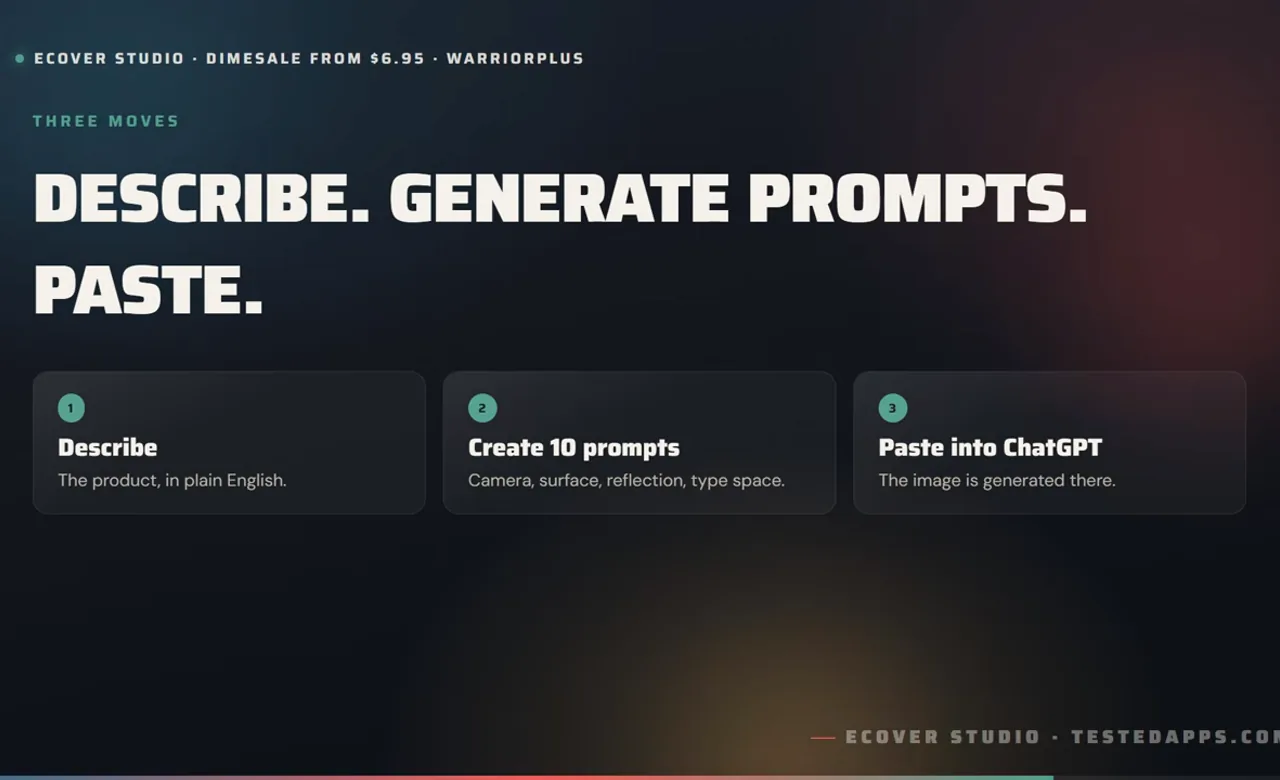
What is Ecover Studio?
✅ Ecover Studio is a browser app that writes AI prompts for product covers.
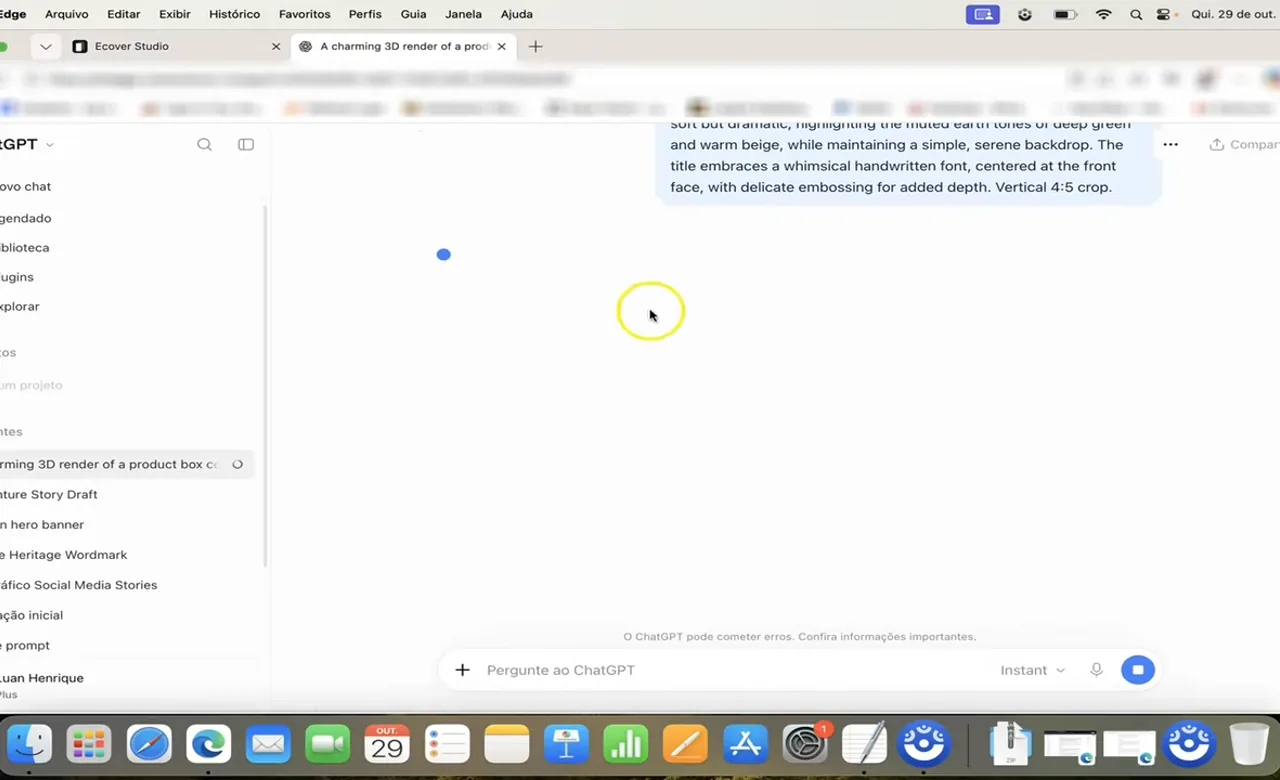
You describe your product in up to 1,200 characters, optionally set four direction rows – cover type (AI decides, ebook, hardcover, product box, disc case, device), colour mood (warm, cool, mono, vivid), setting (studio, gradient, built scene, cut-out) and lighting (soft, dramatic, neon, natural) – then press "Create 10 prompts". You copy one of the ten master prompts into ChatGPT, and ChatGPT generates the cover image.
It does not generate images itself, has no template library and no design canvas.
How much does Ecover Studio cost?
Everything: $148.62. The front end is the cheapest rung by a factor of fourteen; OTO 1 alone is more than the other four upsells combined.
- Front End – Ecover Studio: $6.95 on the WarriorPlus funnel map, $9.95 on the listing – it is a DIMESALE, so the price rises with every sale
- OTO 1 – Resellers licence: $97.00
- OTO 2 – Infographic Studio: $10.00
- OTO 3 – Logo Studio: $8.77
- OTO 4 – Marketing Graphics: $12.95
- OTO 5 – Story Creator: $12.95
Is Ecover Studio worth it?
Worth the dimesale price if you already pay for ChatGPT and your covers look homemade because your prompts are vague. Ecover Studio is a prompt builder: you describe the product, set four optional directions – cover type, colour mood, setting and lighting – and it returns ten master prompts.
You paste one into ChatGPT, and ChatGPT draws the cover. It generates no images, has no templates and no canvas.
My 6 bonuses (free through the link above) 1. 40 Ecover Prompt Recipes – by product type (ebook, course, software box, bundle) 2.
ChatGPT Image Prompt Cheat Sheet – aspect ratios, negative prompts, iteration phrases 3. Cover-to-Thumbnail Resize Kit – 16:9, 1:1 and 9:16 crops without breaking the text 4.
12 Cover Styles That Sell – with the prompt language for each 5. 30 Mockup Scene Ideas – settings that make a flat cover look like a product 6.
Launch Cover Checklist – the nine checks before a cover goes on a sales page
Buying through this page also gets you my bonus bundle. Ecover Studio — the bonuses arrive with your receipt and they are mine, not the vendor’s. (affiliate link)
Who is Ecover Studio not for?
Not for anyone without an image-capable AI account, because the app cannot finish the job alone. Not for designers, whose own prompts are more precise.
And not for anyone who wants a template library or a canvas – this is a text generator with four direction rows.
Frequently asked
Does Ecover Studio make the cover?
No. It writes ten prompts; you paste one into ChatGPT and ChatGPT generates the image.
A ChatGPT account is required.
Is the price fixed?
No. It is a dimesale – the price increases with every sale, so any figure is a snapshot.
What is the $97 OTO?
A reseller licence that lets you sell Ecover Studio as your own product. It only makes sense if you already sell software.
Do I need design experience?
The vendor says no. You do need to judge which of the ten prompts fits your product, and to iterate when the first image is wrong.
Is there a guarantee?
It is a dimesale – the price rises with every sale, so buy at the price you see, not the one quoted in any review.
Where to get it: Ecover Studio. Affiliate link; I earn a commission at no extra cost to you. Full disclosure.
Related
Launch pricing database · Is it still available? · Every review I have published · What you can and can’t sell with PLR rights
Discover more from TestedApps
Subscribe to get the latest posts sent to your email.