
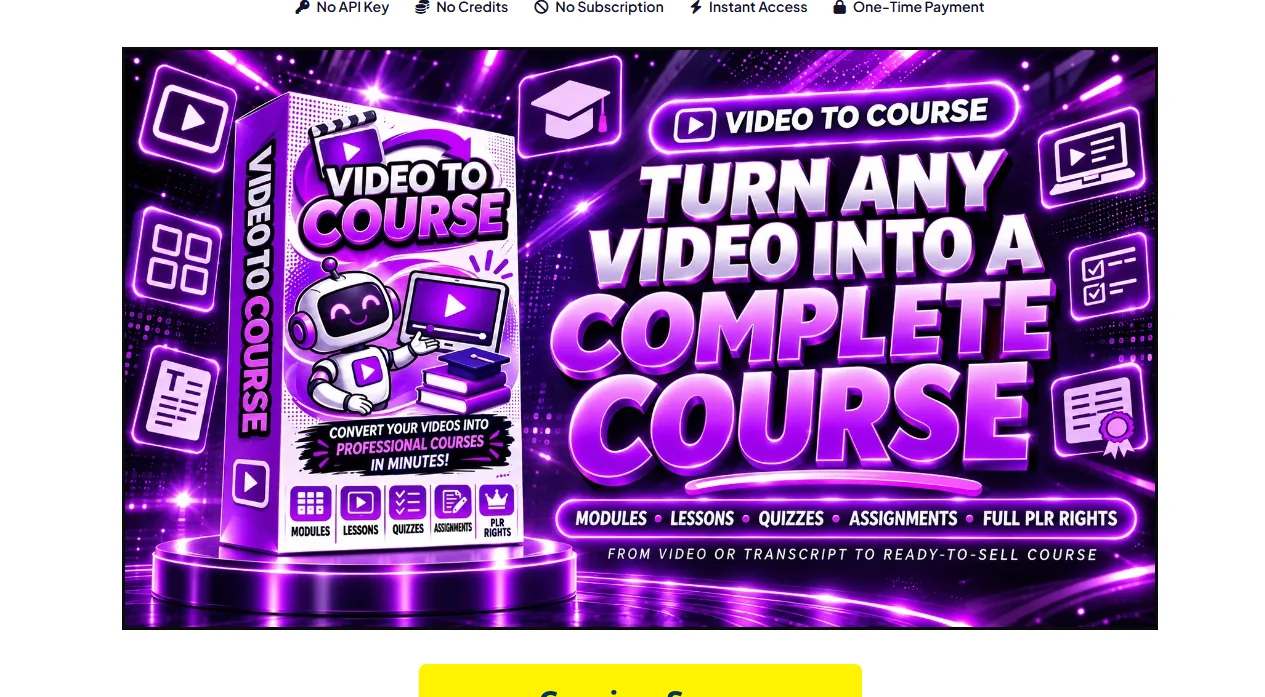
✅ Video to Course is a single-file prompt studio from PLR Mate, live on WarriorPlus from 10 November 2026. You describe a video, pick a course size and lesson length, drop in the transcript, and it builds one long command prompt for ChatGPT, Claude or Gemini.
Want to check the current price? Video to Course — launch pricing changes without notice. (affiliate link)

Watch the full Video to Course walkthrough on YouTube.
What is Video to Course?
✅ Video to Course is a single-file prompt studio from PLR Mate, live on WarriorPlus from 10 November 2026. You describe a video, pick a course size and lesson length, drop in the transcript, and it builds one long command prompt for ChatGPT, Claude or Gemini.
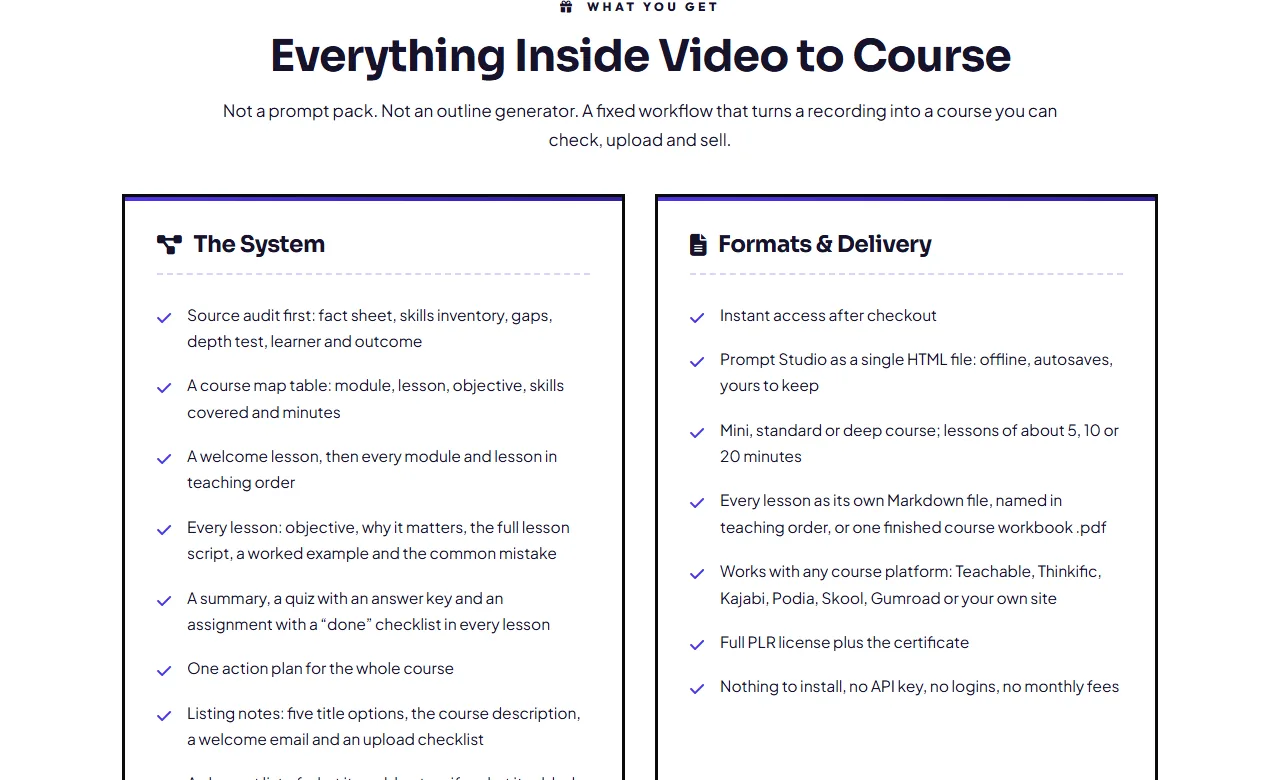
The AI returns a source audit, a course map, every lesson with an objective, a worked example, a quiz and an answer key, then the action plan, title options, listing copy and welcome email. I read the sales page, the partner page and every upgrade before making this review.
✅ One recording you already own becomes a course map, lessons, quizzes and assignments ✅ Your own AI does the writing, so there is no API key, no credits and no subscription to the vendor ✅ Lessons arrive as Markdown files named to sort in teaching order. with a seven-platform upload checklist ✅ Full private label rights included:
edit it, rebrand it, sell it and keep the profit ✅ A depth test that shrinks a thin video into an honest mini course instead of padding it 🎁 My 6 bonuses: Video Audit Checklist · Transcript Cleanup Script · Course Map Template · Quiz Bank (150 questions) · Lesson Slide Kit · Platform Upload Pack
What does Video to Course cost?
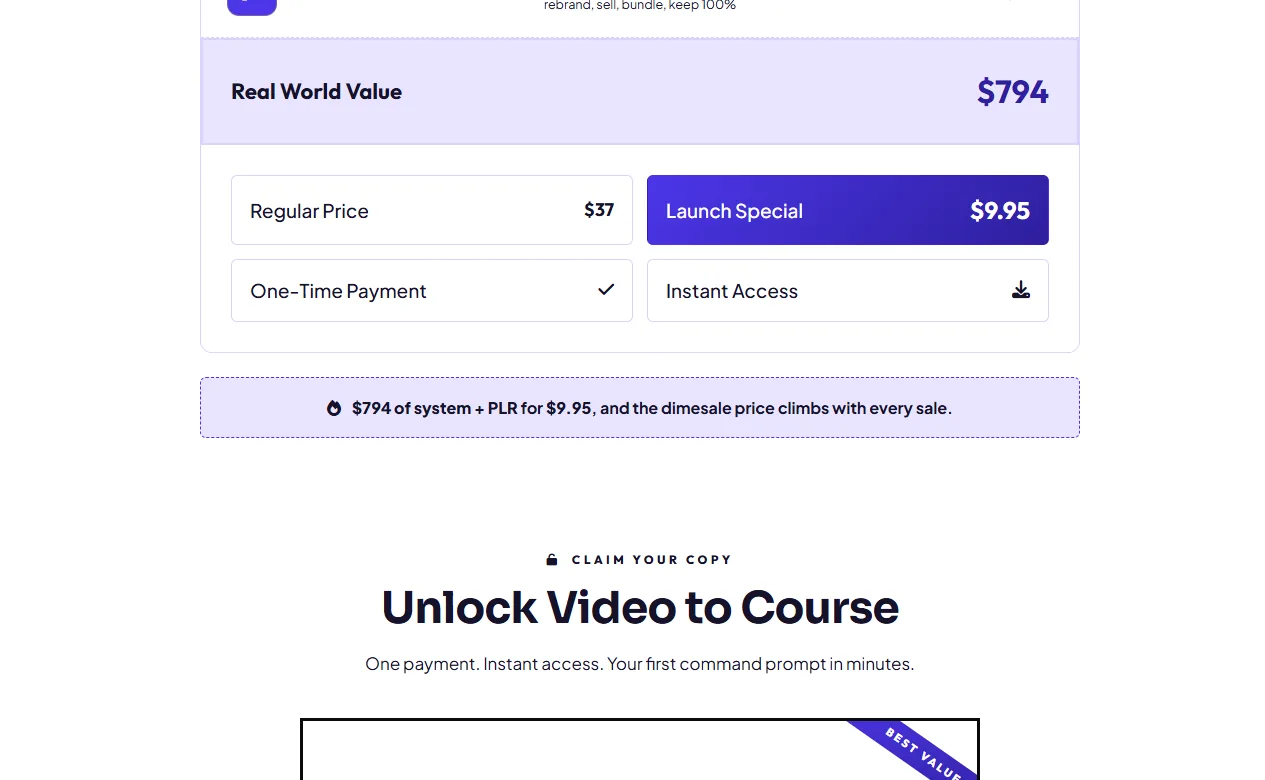
$9.95 one time at the front end on a dime sale: the price rises as copies sell, so the checkout figure you see is the lowest it gets. No subscription, no credit top-up and no API key billed to you.
The writing happens on your own AI account, and the page publishes no money-back promise, so read the terms before you buy.
Is Video to Course worth it?
Worth it if you already own the video. The studio does not write the course, and that is why it works: it briefs your AI properly, forces a course map before any lesson, tests whether the source can carry the size you asked for, and lists what the video never covered instead of inventing it.
One recording plus its transcript becomes a lesson-by-lesson course with objectives, examples, quizzes and assignments, delivered as files you own with private label rights attached.
Buying through this page also gets you my bonus bundle. Video to Course — the bonuses arrive with your receipt and they are mine, not the vendor’s. (affiliate link)
Frequently asked
Do I need a paid AI account to use it?
No. The step-by-step run mode works on any account, including free plans.
The one-pass mode and the finished workbook PDF need an AI that can work with files, and the command falls back to Markdown lessons when yours cannot.
How big a course can one video make?
The video decides. A 20-minute video usually makes an honest mini course and an hour-long workshop can carry a standard 3-5 module course; the depth test names the honest size before a lesson is written.
Which course platforms does it work with?
Any of them. Lessons come back as Markdown files named in teaching order, and the upload checklist covers Teachable, Thinkific, Kajabi, Podia, Skool, Gumroad or your own site.
What are the upgrades for?
The base product is the whole studio: every course size, lesson length, the map, quizzes and the private label licence. The upgrades are resell rights and extra prompt studios, not access to the course engine.
Where do I get Video to Course and the bonuses?
Through the WarriorPlus link at the top of this description. My bonuses are delivered by email after purchase – support@testedapps.com.
Where to get it: Video to Course. Affiliate link; I earn a commission at no extra cost to you. Full disclosure.
Related
Launch pricing database · Is it still available? · Every review I have published · What you can and can’t sell with PLR rights
Discover more from TestedApps
Subscribe to get the latest posts sent to your email.